Your brand. Every image project.
Campaign images.
Unmistakably
yours.
Choose what you want to make, describe the idea once, and edit the proposed frames before generating. Brand rules apply automatically.
For product launches, promotions, and everyday brand stories.
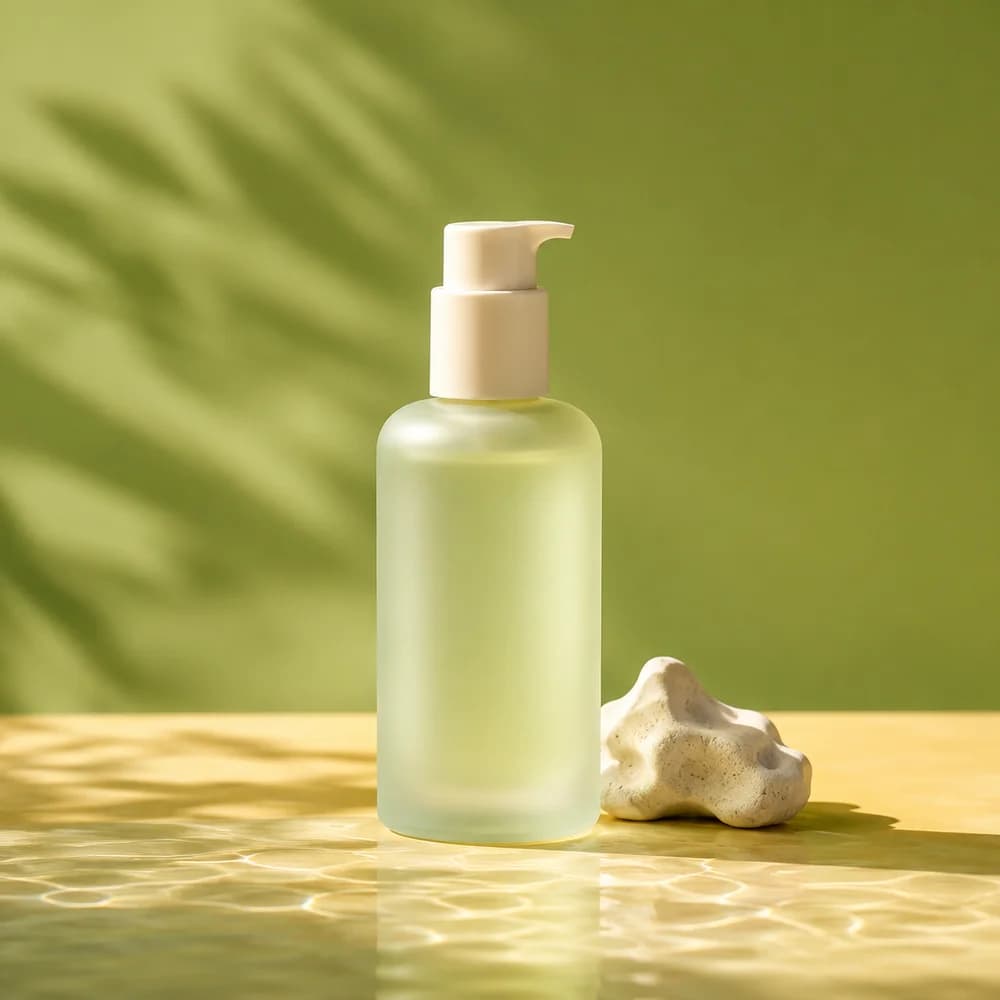 DEW / DAILY CARE
A little daily
goodness.
- Your actual logo and fonts
- Frame plans you can edit
- Images ready to download
Made for your next idea
Different projects.
Same unmistakable brand.
Start with what you want to say. Keep the identity you worked hard to build.
DEW / DAILY CAREA little daily
goodness.
“Introduce a daily skincare essential. Keep it warm, simple, and full of sunlight.”
Give a new product its moment.
- Brand colors and type
- A clear product story
- Revise the brief for another version
A simple creative process
From “we need an image”
to “that’s the one.”
Bring your brand.
Start with your website or brand documents. Review your guidelines, then add your original logo and font files so every project has the right foundation.
- Colors, typography, and tone in one place
- A separate workspace for each brand
#233016
#e5ebca
#d9b85b
Your fonts.
Your voice. Every time.
Tell us what you’re making.
Choose an output and describe the idea once. Add a saved product or references when useful, then edit the frame plan Admaker proposes.
- Start with a goal, not a blank canvas
- Edit every frame before image generation
- Goal
- Introduce our new daily moisturizer
- Output
- Four product photos
- Look and feel
- Natural light · Warm · Uncluttered
Make it. Keep it. Use it.
Generate one frame or the whole set, compare results, and restore any earlier version. The project keeps every frame and version together.
- Your original brand assets stay intact
- Download images for the channels you use
Less chasing.
More making.
A few things worth knowing.
Your brand has a story.
Give it an image.
Start with your brand. Your next campaign starts there.